> ## Documentation Index
> Fetch the complete documentation index at: https://docs.metlo.com/llms.txt
> Use this file to discover all available pages before exploring further.
# Burp Suite Extension
### Installation
Metlo's Burp Suite Extension can be downloaded from [here](https://metlo-api-security-public.s3.us-west-2.amazonaws.com/metlo-burpsuite-plugin-latest.jar).
Install the Metlo's burp suite extension like usual. Instructions to do that can be found [here](https://portswigger.net/burp/documentation/desktop/extensions/installing-extensions).
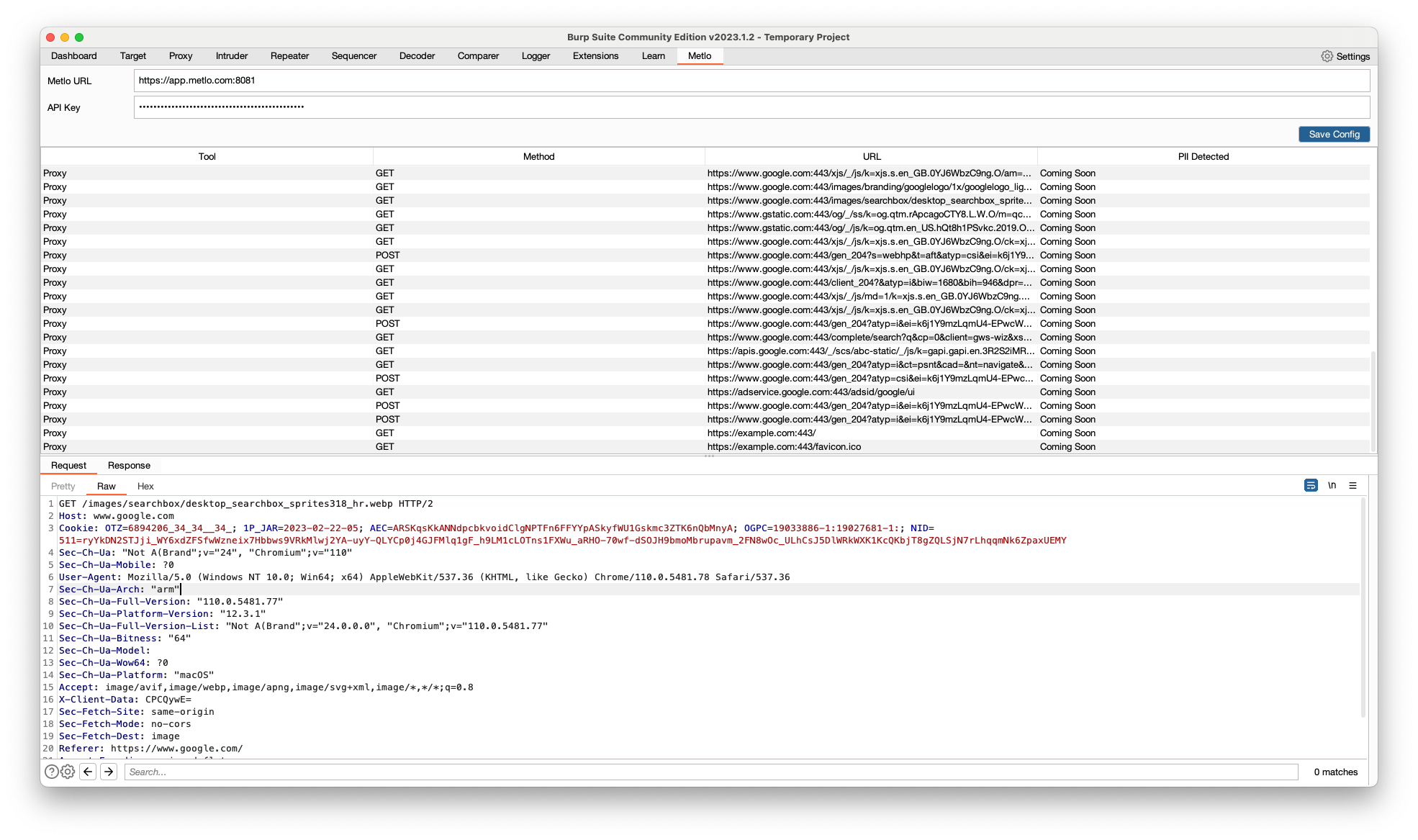
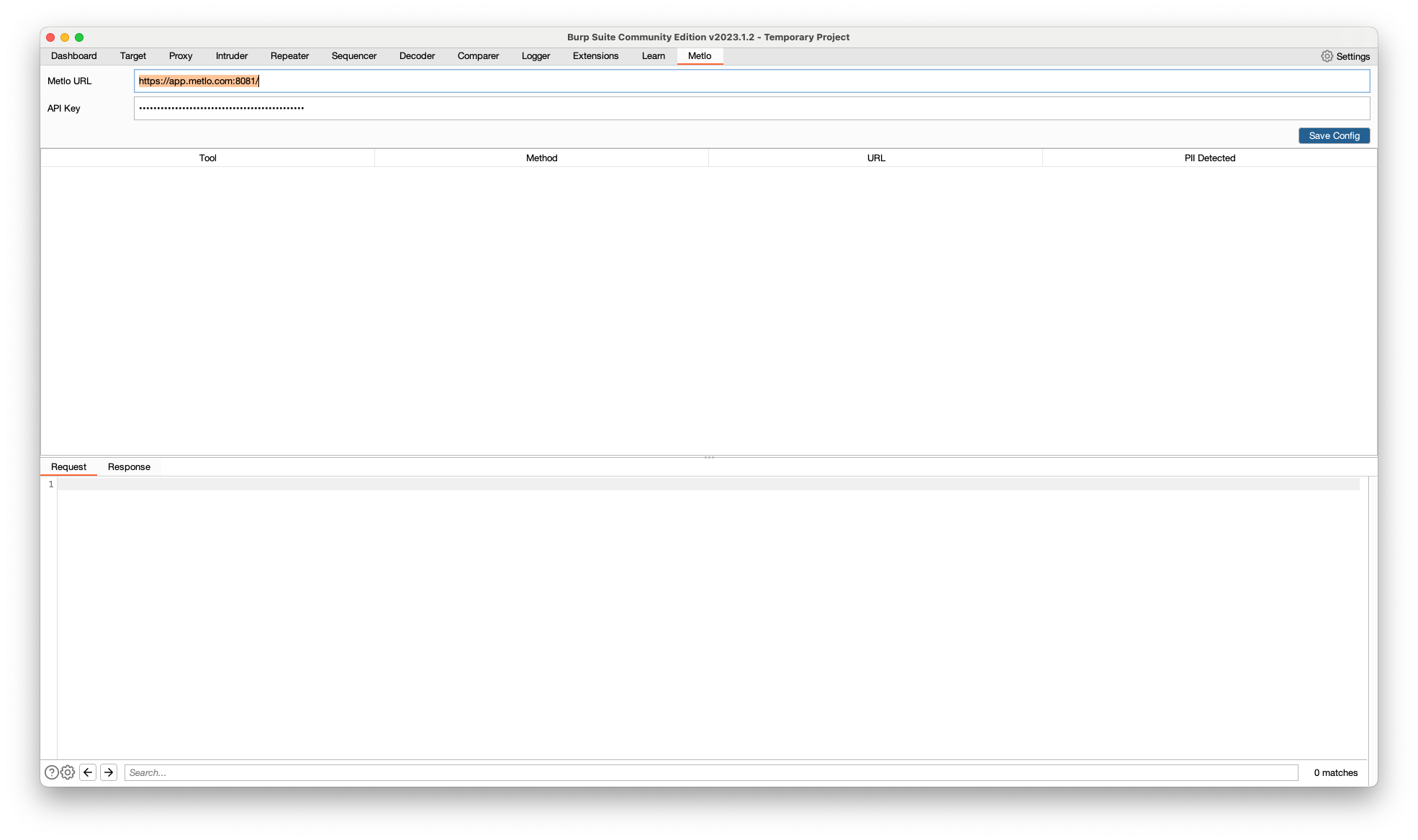
Once installed, go the the `Metlo` tab, and configure the `METLO URL` and `API Key` fields and press `Save Config`.
 After saving the config, all requests/responses captured should be visible in the metlo tab.